
SoundProX5 PC Bank Manager · Windows 64-bit · Version 3.2.3.4
Choose your SoundProX5 license
Explore the Sound Manager with a 14-day Trial, or make it yours with a Full license. One license, one computer.
Trial
Try SoundProX5 on your own PC
14 days
14 days from license issue.
Manual activation by email.
Explore the editing tools:
- Sampler and multisample management
- WAV Editor and loop tools
- Mixer, EQ, compressor and effects
- Synth and SCALA controls
- One Windows computer
- Offline use after activation
Full
No expiryYour SoundProX5, without a time limit
€99
One-time payment. Perpetual license.
Manual activation by email.
Everything in Trial, with:
- Perpetual access — no expiry
- One-time payment of €99
- One Windows computer
- Offline use after activation
- Your saved sets retained after Trial
- Upgrade from Trial without reinstalling
Already purchased a license? My account & downloads
Activate by email
- Extract the ZIP and run SoundProX5 Sound Manager.exe. Choose TRIAL or FULL in Activation and enter your email.
- Click Prepare email or Export request. Send your computer code or .spxreq file to soundprox2@gmail.com. For a Full license, include your order number.
- We email you a license file. Use Import license to load the received .spxlic file.
Downloading the program does not activate it. After activation it works offline on the licensed computer. Your PC code is separate from the accordion serial number. Existing perpetual SoundProX licenses remain valid. At the end of the Trial, a Full license is required to continue; your saved sets are retained.
Explore the Sound Manager
Six views of SoundProX5. Select a screenshot to view it in full size.
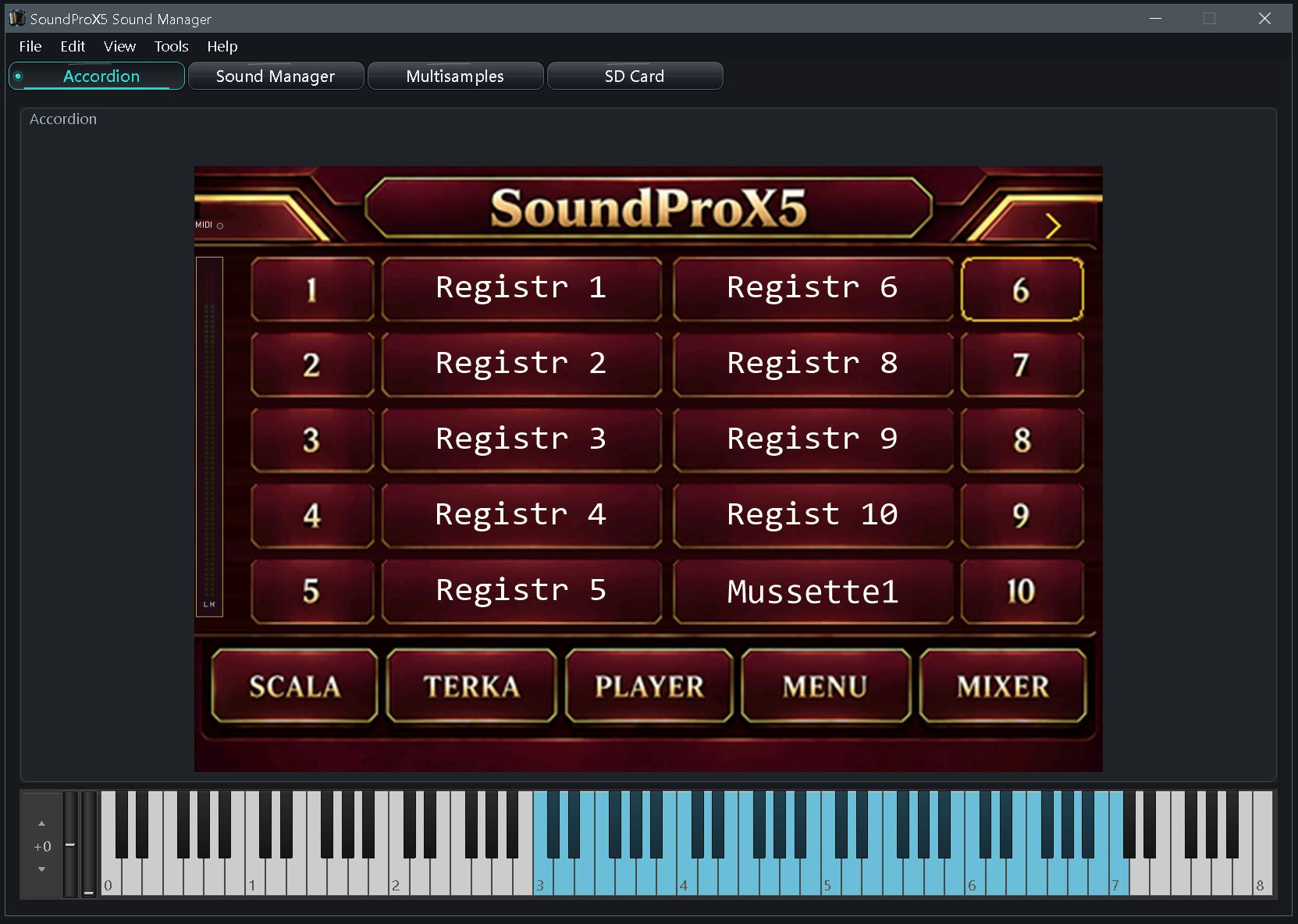
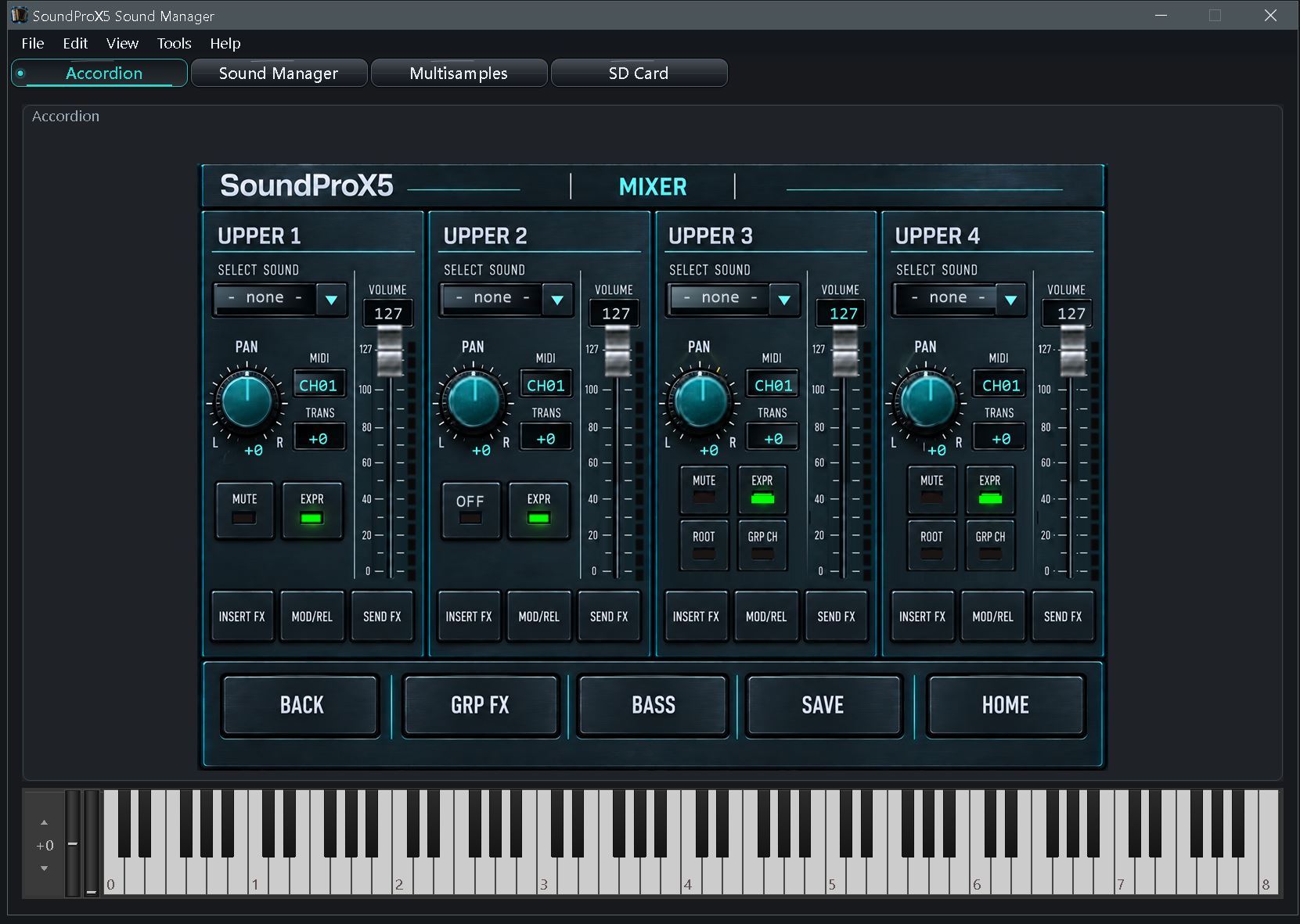
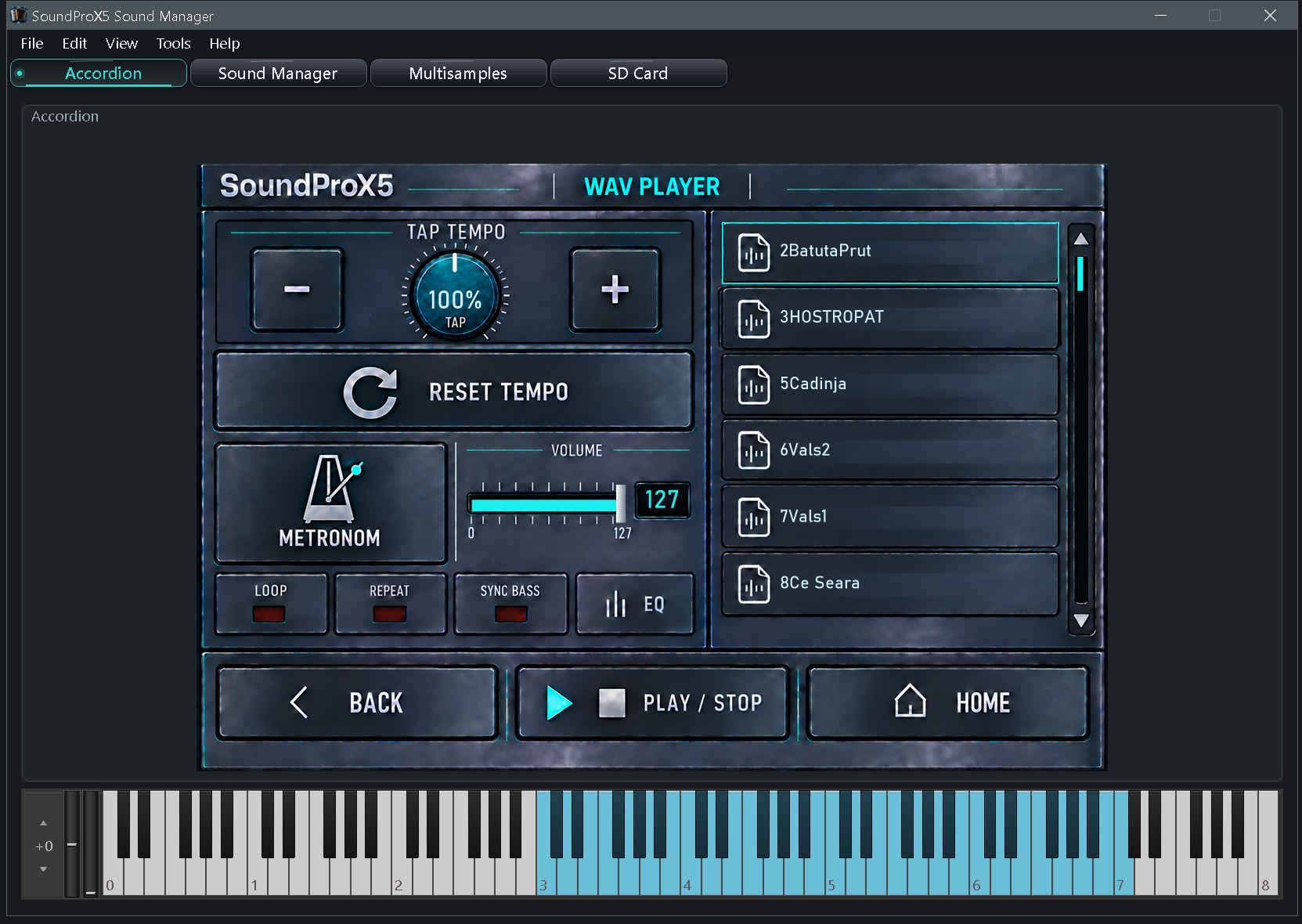
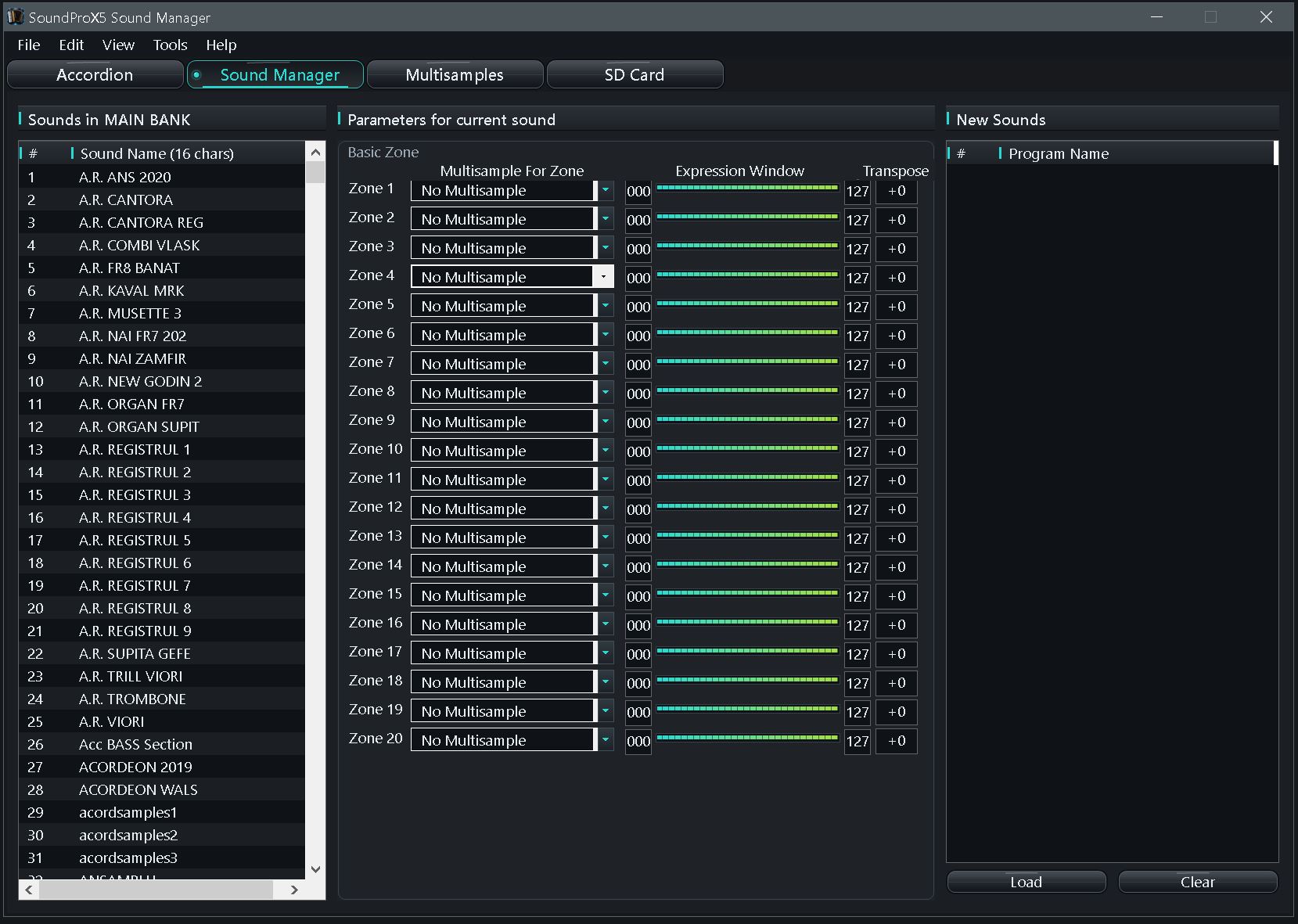
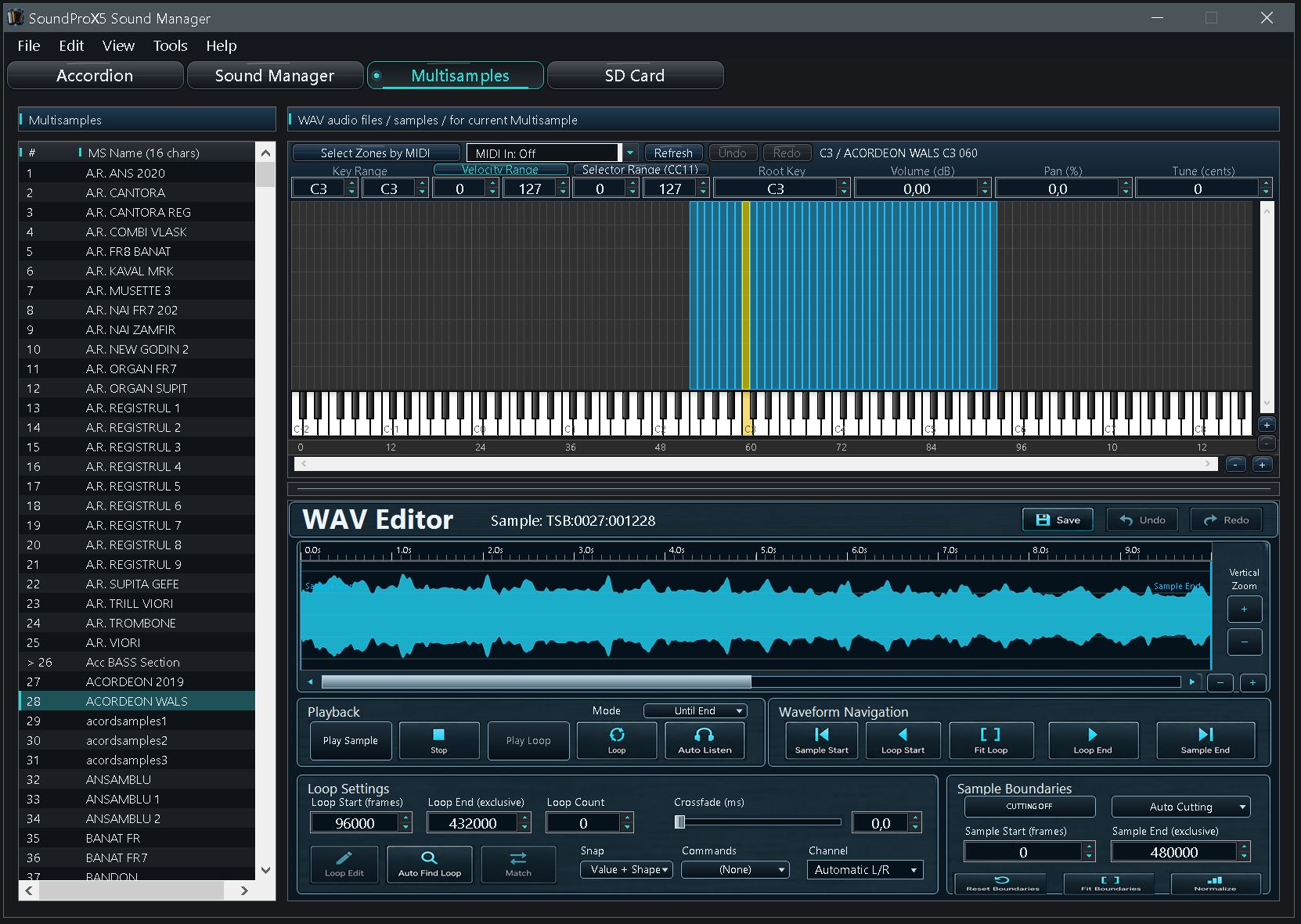
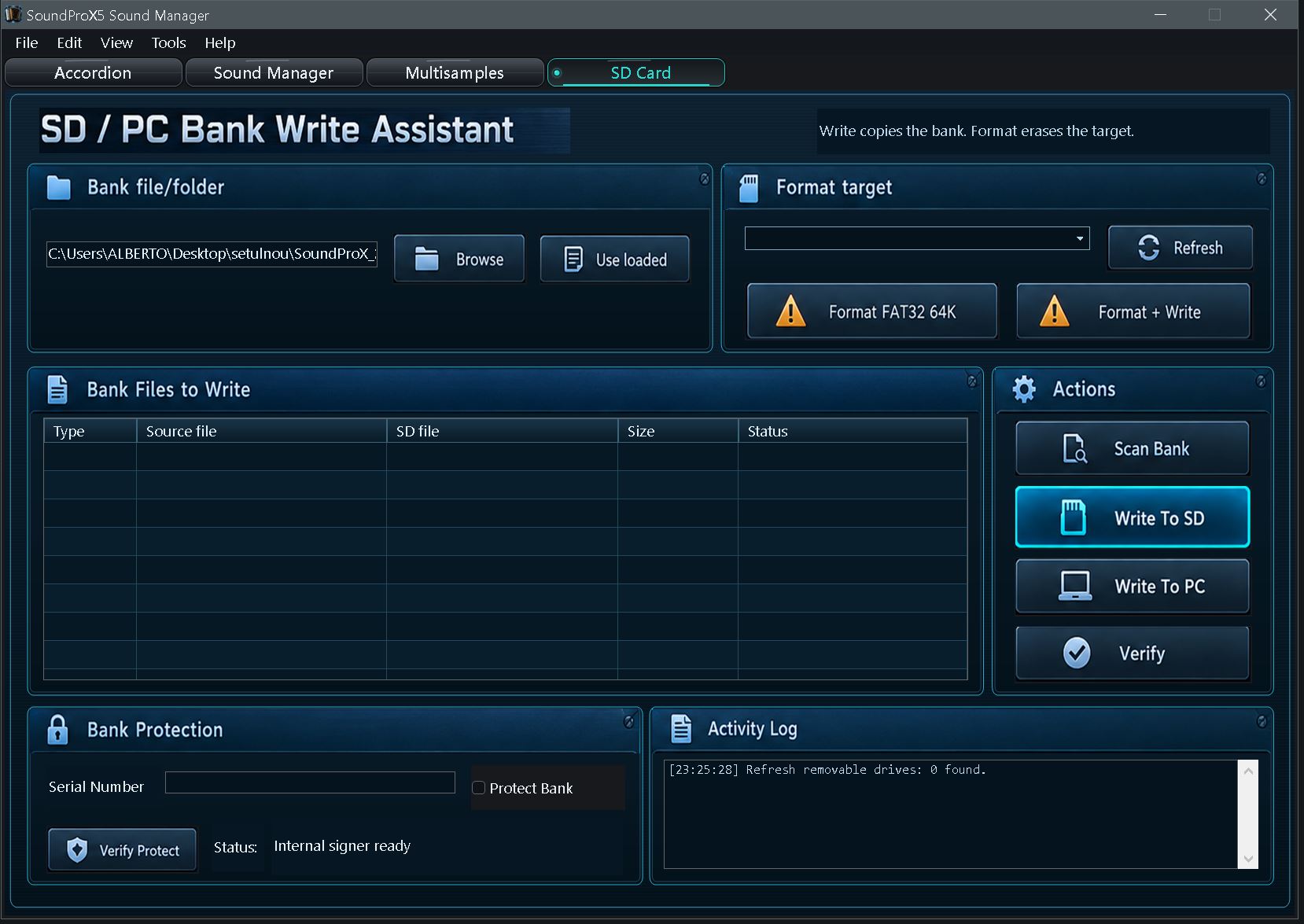
SoundProX5 · Free download
Free Sound Set
10 prepared presets and 13 sampler sounds to explore SoundProX5.
Includes Kanun, Duduk, Godin, Baglama, Luzerna and more. Sample audio and preset settings are included.
Use the set
- Download and extract the complete ZIP.
- Open SoundProX_2027.PXB in the current SoundProX5 Sound Manager.
- To prepare an accordion SD card, use the program’s SD Card write assistant. Back up your existing set first.
Free
ZIP · 833.4 MB
13 sounds · 10 presets
No WAV Player backing tracks are included.
The Sound Manager is downloaded and activated separately.
SoundProX5 Firmware Update 3.0
Firmware update for SoundProX5 systems already running version 3.0.
File: SOUNDPROX_V3.0.UPD
Size: 17.59 MB (17,587,092 bytes)
Package prepared: 21 October 2026
You must be logged in to download this firmware.
Install from the SD card
- Copy one UPD file to the root of the SD card. Keep the filename SOUNDPROX_V3.0.UPD.
- Insert the card in the SoundProX5 accordion, then open Menu → Update FW and confirm the update.
- Keep the power connected and leave the SD card in place until the update finishes. The PLEASE WAIT screen and automatic restarts may appear during installation.
Validation status: software and cryptographic package checks passed. On-instrument validation of the latest finalization-screen change is still pending.